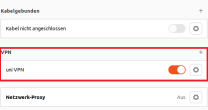
Instructions
Download
The network-manager-openvpn-app package can be downloaded in the terminal.
To do this, open your terminal and enter the following command:
sudoapt-get install network-manager-openvpn-gnome

Then enter your password.

Profiles
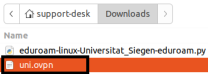
Also download the uni or admin (optional, only if you have admin VPN access).
Confirm the download with "Download".
Import
Now open your settings and open the settings for Network.
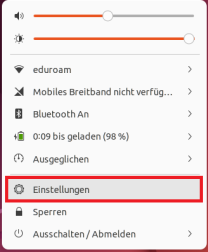
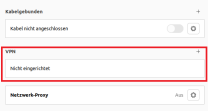
Navigate to the VPN option and click on the + symbol to import the configuration file.
Select the option "Import from file...".
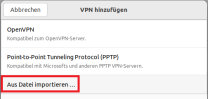
Now import the configuration file.
Setup
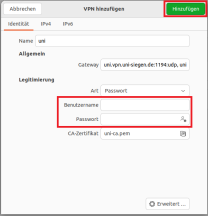
A window will then open. Enter your ZIMT user name and password here and confirm with"Add".
Once you have successfully entered the correct data, you can now establish a VPN connection.