Exchange accounts (gMail)
On this page you will learn how to add Exchange accounts in the GMail app.

Instructions
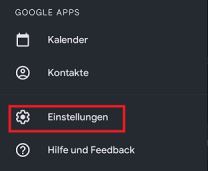
To add an Exchange account to gMail, open the app and then the settings.
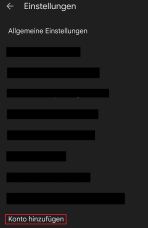
Here you can set up a new account under "Add account".
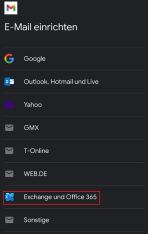
You can now set up your account in the next step. Select the option "Exchange and Office 365".
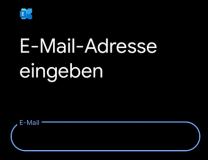
Then enter your email address and select the "Set up manually" option.
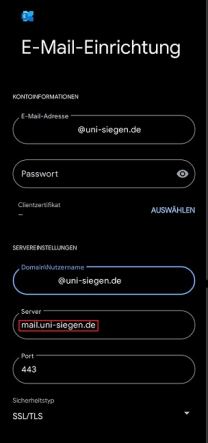
Now enter your password. In the server settings, enter your user name +@uni-siegen.de (e.g. g123456@uni-siegen.de) and the server "mail.uni-siegen.de".
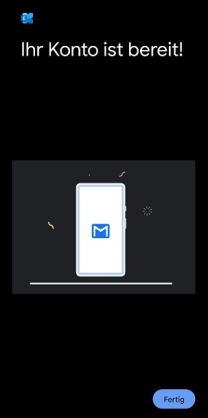
After entering the correct access data, the following screen will appear. Confirm with "Done" to end the process.