
Instructions
Download and installation
You can download the OpenVPN app from the Google Play Store .
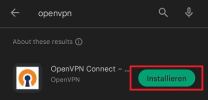
When installing for the first time, you may first have to allow the download in order to continue.
Then open the OpenVPN Connect app to start the setup.
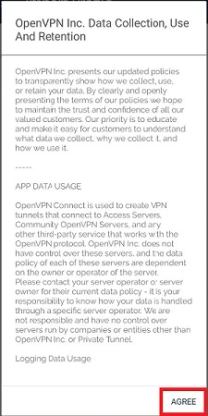
Agree to the general terms and conditions.
Profiles
Also download the uni or the admin (optional, only if admin VPN access is available)
Confirm the download with "Download".
Import
After downloading the profile, you can now import the file.
To do this, open the app and select "File". You will then be prompted to select the configuration file from your downloads.

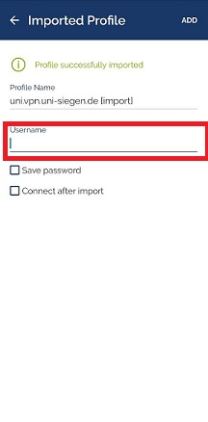
In the next step, you must now enter your ZIMT user name.
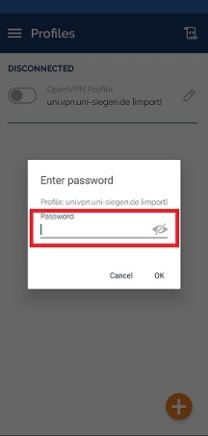
Now enter your ZIMT password and confirm with "OK".
Confirm the connection request with "OK".
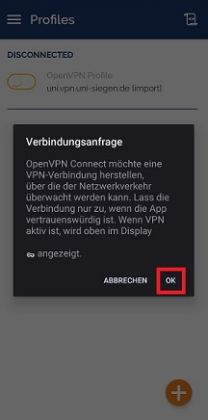
Your connection is now established.
