
InstructionsLog in to the website https://sspr.zimt.uni-siegen.de 
|
|
After successful registration, enter your private e-mail address and confirm it. 
|
|
With the completion message you have registered your account for the SSPR service. You will receive an e-mail informing you that the SSPR settings for your account have been changed. If settings for your SSPR account are changed, you will always receive an e-mail to inform you of this. From now on, you can change your password via the "Forgot password" link if you have forgotten it, for example. If you want to change the private e-mail address you have entered, go through this process again. 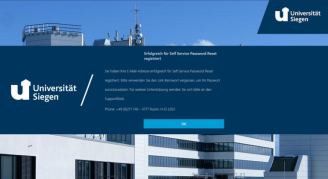
|
